Passport Photo Face Position Guide
Correct face positioning is critical for a compliant passport photo. Your head must be centered, facing forward, with specific rules about how much of the frame your face should fill.
See the SnapID difference
Upload any phone photo → get a government-compliant result
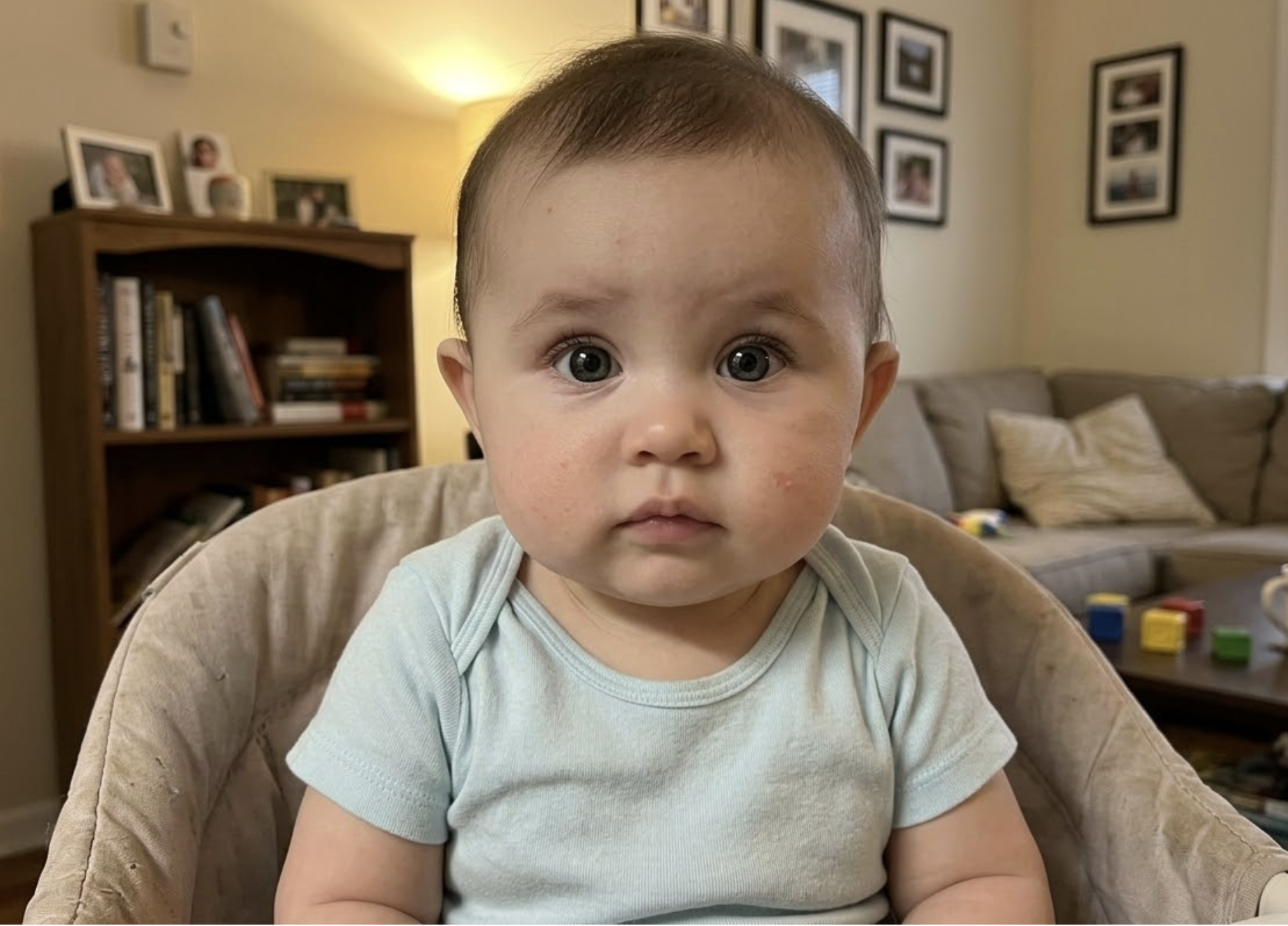
Your phone photo
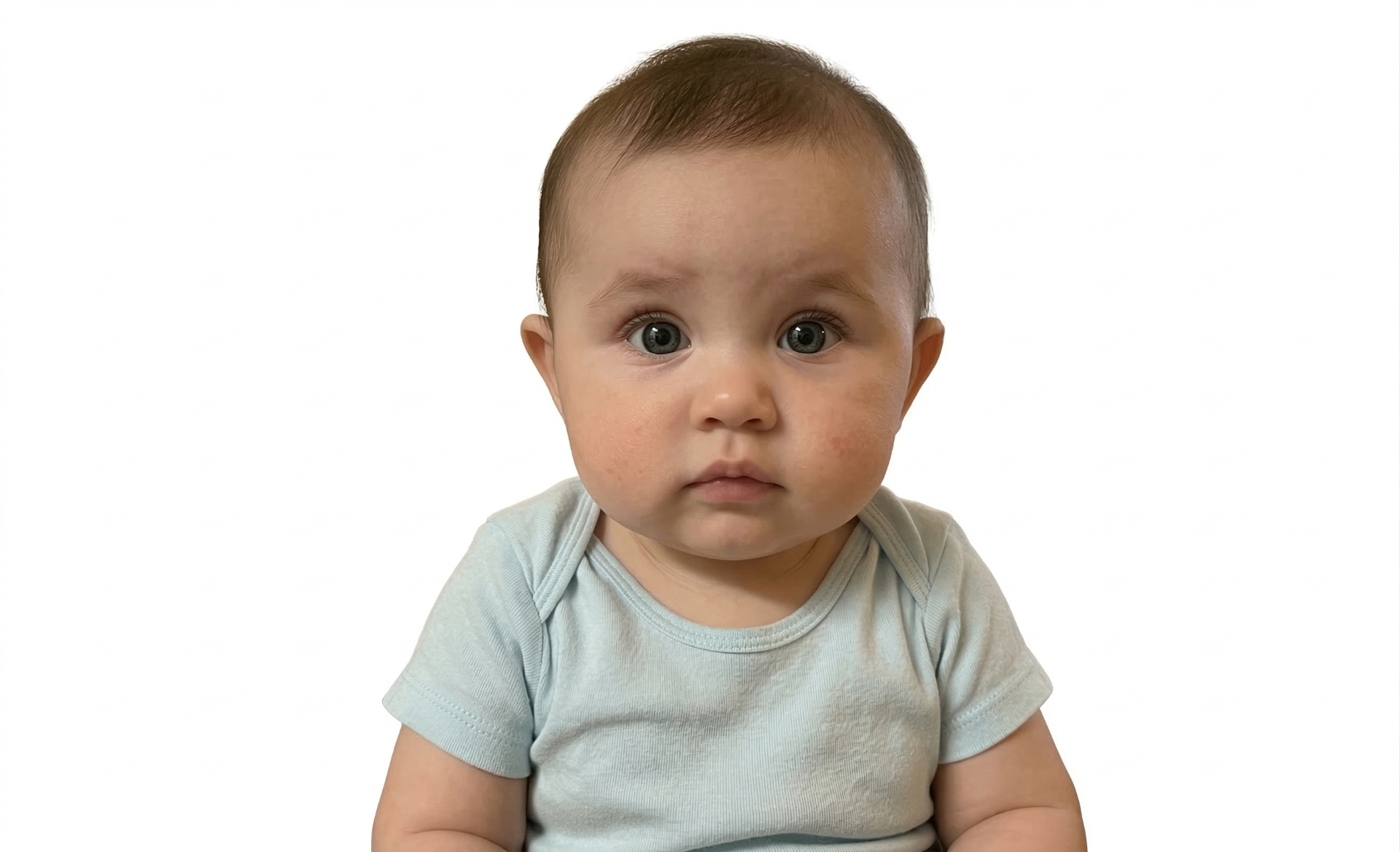
Passport-ready
Create your passport photo now
Upload a photo from your phone — free compliance check before you pay
Upload Photo – Free CheckThree steps to a perfect photo
Upload a photo
Snap a photo with your phone or upload one you already have.
AI validates instantly
20+ compliance checks — background, head size, eyes, lighting — in seconds.
Download & print
Get your 300 DPI print-ready file with a compliance certificate.
Free check · No signup required
Don't let your photo get rejected
These are the most common rejection reasons — SnapID catches all of them automatically.
Wrong background color
Using white when cream is required, or off-white when pure white is needed. Our AI detects and flags background issues instantly.
Shadows on face
Overhead or side lighting creates shadows that cause rejection. SnapID checks for even lighting on both sides of your face.
Incorrect head position
Head tilted, turned to the side, or not centered in the frame. Our AI measures exact positioning against official rules.
Eyes not visible
Closed eyes, hair covering eyes, or glare from glasses. Especially common with babies — our AI is trained to catch this.
Wrong dimensions
Each country has exact size requirements. SnapID auto-crops to the precise dimensions needed for your destination country.
Photo too old
Most countries require photos taken within 6 months. Reusing old photos is a common reason for application delays.
Free check — see if your photo passes instantly
Photo studio vs booth vs SnapID
Tips for a perfect photo
Head centering
+
Your head must be centered horizontally in the frame. Face directly forward — no tilting up, down, or to either side.
Face ratio
+
Your face should fill 70–80% of the photo height. This means the head (top of hair to chin) must be a specific measurement that varies by country.
Ready to create your photo?
Upload a photo from your phone — free compliance check before you pay
Upload Photo – Free CheckPassport Photo Face Position Guide – Complete Guide
Head centering: Your head must be centered horizontally in the frame. Face directly forward — no tilting up, down, or to either side. Face ratio: Your face should fill 70–80% of the photo height. This means the head (top of hair to chin) must be a specific measurement that varies by country. SnapID uses advanced AI to verify your photo against 20+ compliance rules in seconds. Upload a photo from your phone, get verified instantly, and download a print-ready 300 DPI image. Works for US, UK, EU, Canada, Australia, India, and 25+ more countries.
Frequently asked questions
How should I position my head in a passport photo?
+
Centered, facing directly forward, no tilt in any direction. Both ears should be visible.
Free check · No credit card needed
Related passport photo pages
Related guides
100% Acceptance Guarantee
Full refund if rejected
AI-Powered Verification
20+ compliance checks
No App Needed
Works in your browser
From $4.99
Free check included
100% Money-Back Guarantee
If your photo is rejected by any government agency, we refund you in full — no questions asked. Claim refund →
Ready to get your document photo?
Upload your photo, let AI verify it, and download your print-ready file — all in under 3 minutes.
Upload Photo – Free CheckFree check · No credit card · No app download · Rejected? Full refund