Baby Passport Photo – The Complete Parent's Guide
Taking a passport photo of a baby is one of the hardest photography challenges parents face. Babies don't cooperate — they close their eyes, turn their heads, and cry at the worst moments. On top of that, every country has strict rules about background color, head size, expression, and positioning. This guide covers everything: the lay-flat technique for newborns, timing strategies, country-specific rules, and how SnapID's AI makes verification simple. Our AI is specifically trained on infant faces to handle the unique challenges of baby passport photography.
See the SnapID difference
Upload any phone photo → get a government-compliant result
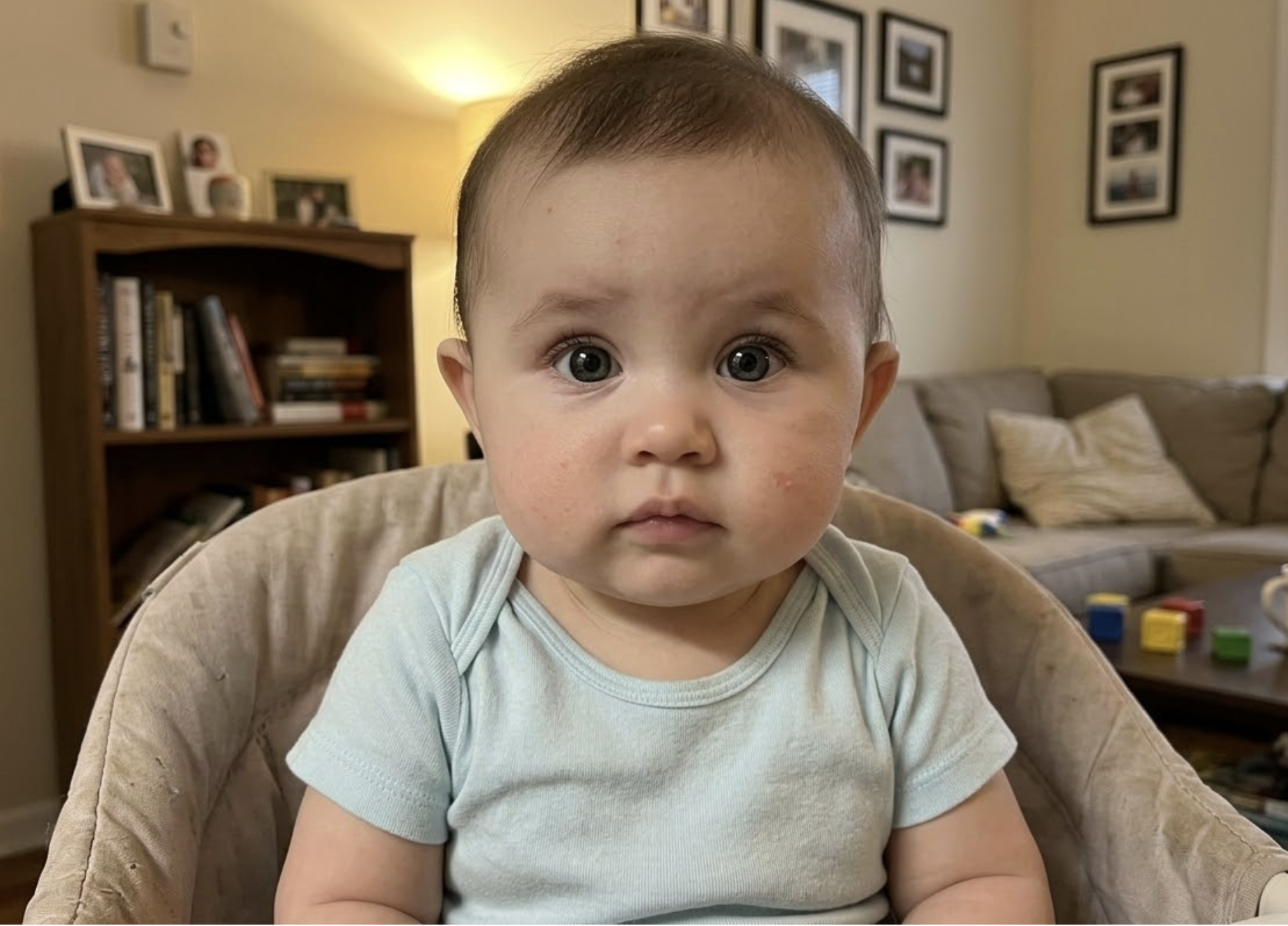
Your phone photo
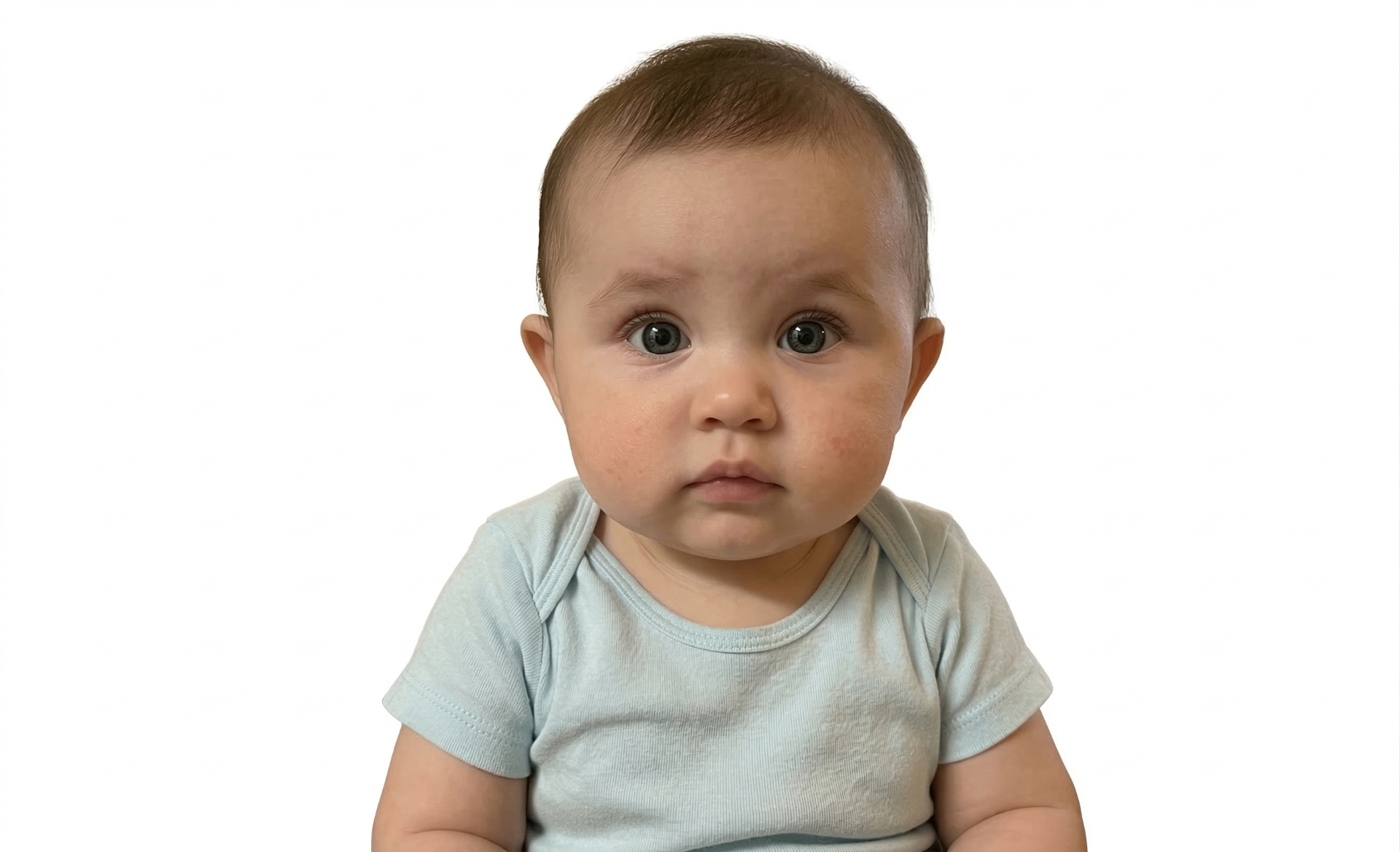
Passport-ready
Create your baby's passport photo now
Upload a photo from your phone — free compliance check before you pay
Upload Baby Photo – Free CheckThree steps to a perfect photo
Upload a photo
Snap a photo with your phone or upload one you already have.
AI validates instantly
20+ compliance checks — background, head size, eyes, lighting — in seconds.
Download & print
Get your 300 DPI print-ready file with a compliance certificate.
Free check · No signup required
Don't let your photo get rejected
These are the most common rejection reasons — SnapID catches all of them automatically.
Wrong background color for country
US requires white, UK requires cream/light grey. This is the #1 reason baby passport photos are rejected. SnapID checks automatically.
Parent's hands visible
Hands supporting baby's head must NOT appear in the final photo. Support from below the frame edge.
Baby's eyes closed
Eyes should be open when possible. Use burst mode. Agencies are lenient for newborns under 6 weeks.
Shadows on baby's face
Flash or uneven lighting creates shadows. Use natural window light only.
Head tilted or turned
Baby looking to the side or head not level. Shoot from directly above while baby lies flat.
Using an old photo
Most countries require recent photos. Babies change appearance rapidly — use a current photo.
Free check — see if your photo passes instantly
Photo studio vs booth vs SnapID
Tips for a perfect photo
Use the lay-flat technique
+
Lay baby on a clean sheet on the floor with the correct background color. Shoot from directly above. This is the gold standard for baby passport photos.
Time it right — after feeding and nap
+
Photograph 30-60 minutes after feeding when baby is alert but calm. Right after a nap is ideal. Avoid when baby is hungry, tired, or overstimulated.
Burst mode — take 50+ shots
+
You need to capture that brief moment with eyes open and neutral face. Take 50+ photos in burst mode. SnapID's AI picks the most compliant one.
Get a helper
+
A second adult behind the camera to get baby's attention with toys or gentle sounds makes a huge difference.
Natural light only — no flash
+
Use soft, diffused light from a large window. Flash creates harsh shadows on baby skin and may startle the baby.
Check country-specific background rules
+
US requires white, UK requires cream or light grey. Getting the background wrong is the #1 rejection reason.
Ready to create your photo?
Upload a photo from your phone — free compliance check before you pay
Upload Baby Photo – Free CheckHow to Take a Baby Passport Photo at Home
The most reliable method for baby passport photos is the lay-flat technique: place your baby on their back on a clean sheet (white for US/Canada, cream for UK), then photograph from directly above. This naturally creates a front-facing perspective with the correct background. Timing is critical — photograph 30-60 minutes after feeding when baby is alert but calm, ideally right after a nap. Use burst mode and take 30-50 photos to capture that brief moment with eyes open and a neutral expression. Natural light from a window is essential — never use flash, which creates harsh shadows on baby skin. Have a helper stand behind you to get the baby's attention with toys or gentle sounds. SnapID's AI is specifically trained on infant faces and checks all compliance rules including eye openness, head positioning, and background color for your specific country.
Frequently asked questions
How do I take a baby passport photo at home?
+
Use the lay-flat technique: baby on a clean sheet (correct background color for your country), photograph from directly above, use natural light and burst mode. Upload the best shots to SnapID for AI verification.
What age can a baby get a passport?
+
From birth. All citizens, including newborns, need their own passport for international travel.
Can a parent's hand appear in the photo?
+
No. Hands must not be visible in the final photo. Support baby's head from below the frame if needed.
What if my baby's eyes won't open?
+
For newborns under 6 weeks, agencies are more lenient. Photograph when baby is most alert — 30-60 minutes after feeding.
What background do I need?
+
It depends on your country. US requires white, UK requires cream or light grey, Canada requires white. SnapID checks the background for your specific country.
Does SnapID work for baby photos?
+
Yes — SnapID's AI is specifically trained on infant faces. We handle the unique challenges like eye detection, head positioning, and expression for babies.
Free check · No credit card needed
Related passport photo pages
Related guides
100% Acceptance Guarantee
Full refund if rejected
AI-Powered Verification
20+ compliance checks
No App Needed
Works in your browser
From $4.99
Free check included
100% Money-Back Guarantee
If your photo is rejected by any government agency, we refund you in full — no questions asked. Claim refund →
Get your baby's passport photo now
Upload your baby's photo, let AI verify it against your country's rules, and download the print-ready file
Upload Baby Photo – Free CheckFree check · No credit card · No app download · Rejected? Full refund